Changelog

See what's new in FlowPick. Release notes for every version.

v1.1.4 — More Reliable Media Detection & Downloads

Reworked page sessions and media detection, improved rediscovery after navigation, streamlined direct downloads, and strengthened download validation and protected-resource handling.

Improvements

  • Reworked page session and media detection handling for improved reliability across refreshes, navigation, SPA route changes, and iframes.
  • Improved media rediscovery on Douyin, Bilibili, and MSE-based players after page navigation.
  • Images, documents, and subtitles now download directly through the browser without opening an intermediate page.
  • Videos, audio, and streaming media continue to use the dedicated downloader pages.
  • Added a hover download action to the image masonry view and refined the image preview controls.

Bug fixes

  • Fixed resources from previous pages reappearing after navigation.
  • Fixed delayed metadata and manifest results leaking into the current page.
  • Fixed image downloads failing from the masonry view in Firefox while succeeding from the preview.
  • Fixed premature MSE Blob cleanup that could result in incomplete downloads.
  • Added stronger validation for empty, interrupted, or incomplete downloads.
  • Improved Referer, authentication header, and protected-resource handling for more reliable downloads.
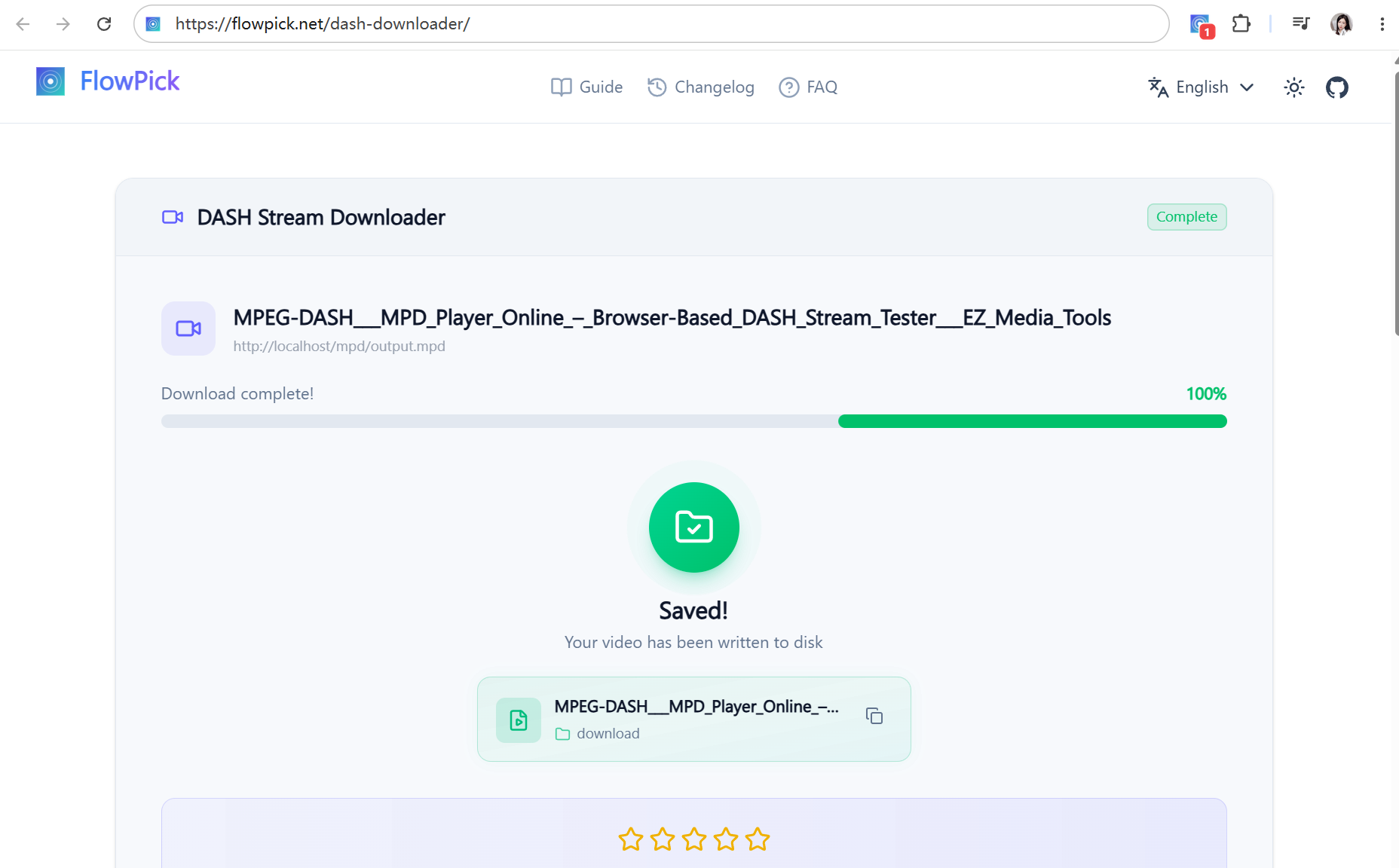
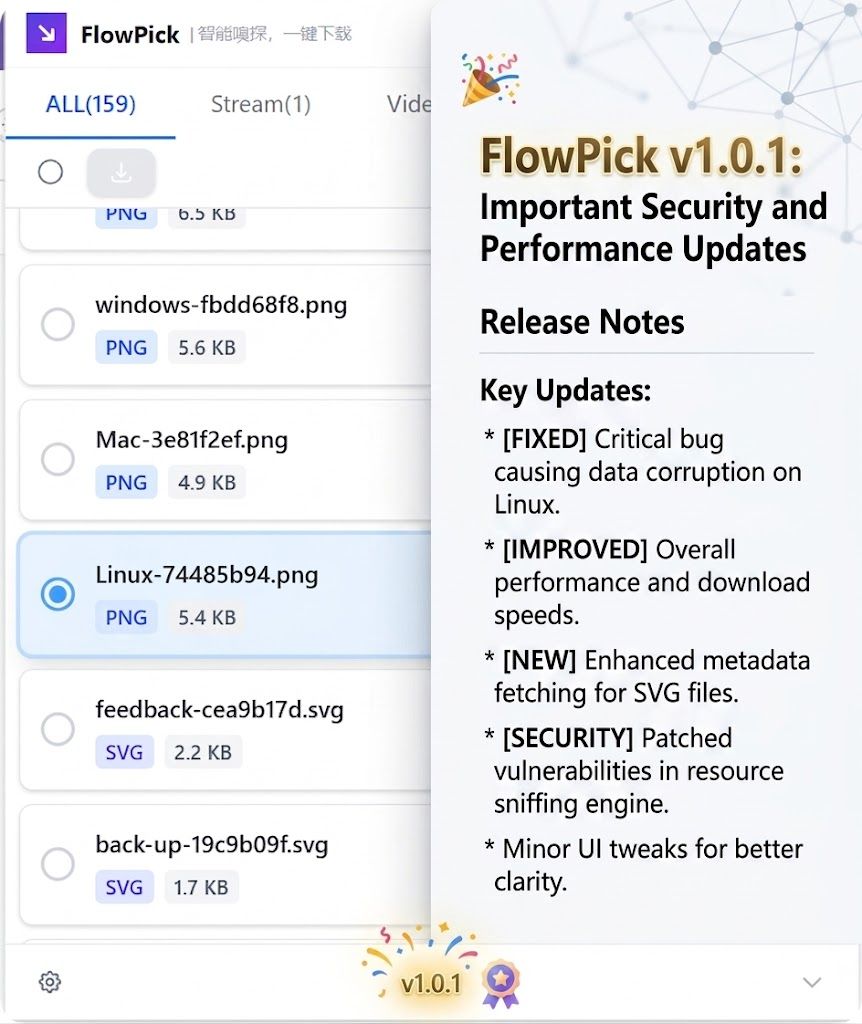
Download v1.1.4 from GitHub Releases →

v1.1.3 — Sniffing Rule Hints & Faster Resource Loading

Added a sniffing rule hint banner, faster resource sniffing and metadata loading, and fixed HLS batch download selection.

Sniffing rule hint banner

  • Added a hint banner that explains why certain resources are filtered by sniffing rules.
  • Helps users discover why a resource they expect is not shown.
  • Hints support multiple languages, and the banner can be dismissed so it does not show again.

Faster sniffing and loading

  • Optimized resource sniffing and detail information loading speed.
  • Optimized video cover and duration information updates.
  • Reduced the impact of metadata requests on page loading.
  • Optimized streaming media thumbnail loading.

HLS batch download fixes

  • Fixed HLS batch download incorrectly including variants, audio tracks, and segments.
  • HLS grouped batch download now only selects the top-level master playlist.

Download v1.1.3 from GitHub Releases →

v1.1.1 — Protected Resource Preview & Download

Added referer-aware proxy previews and downloads for protected resources, faster video cover loading, and stronger Firefox support.

Protected image previews

  • Added an anti-hotlink proxy for image previews.
  • Proxy requests automatically carry headers such as Referer and cookies when available.
  • Proxy-backed Blob previews now work for image lists, cover images, hover previews, and full-size previews, reducing cross-origin restrictions.

Protected resource downloads

  • Added unified proxy downloads for images, audio, documents, and subtitles.
  • Supported document and subtitle formats include PDF, DOC, DOCX, XLS, XLSX, PPT, PPTX, EPUB, CSV, RTF, SRT, and VTT.
  • Responses are checked before download so anti-hotlink HTML pages are not saved as image or audio files.

Faster video cover loading

  • Video covers with a Referer now preload the proxied resource directly.
  • Removed the need to wait for a cross-origin direct request to time out before switching to the proxy.
  • Reduced the time needed to display protected video covers.

Stronger Firefox support

  • Firefox now uses webRequestBlocking to inject Referer and authentication headers.
  • Origin is removed automatically to improve cross-origin media loading.
  • Protected images, audio, video, and other media resources can now be accessed more reliably in Firefox.

Fixes

  • Fixed images failing to display after being blocked by anti-hotlink protection.
  • Fixed image downloads that incorrectly saved an HTML page instead of the image.
  • Fixed audio and document downloads failing because required request headers were missing.
  • Fixed cross-origin CORS resources failing to load in Firefox.
  • Fixed some video covers loading too slowly.
  • Fixed proxy requests carrying cache headers that could cause incorrect or incomplete responses.

Download v1.1.1 from GitHub Releases →

v1.1.0 — Smarter Media Detection

More reliable dynamic media detection, grouped audio and video variants, richer media cards, and a smoother media list.
v1.1.0 — Smarter Media Detection

More reliable media detection

  • Added detection paths for dynamic media pages and preloaded content.
  • Player data and native media preloads are combined to keep detection reliable while browsing feeds and detail pages.
  • Media metadata now preserves the page title, duration, and cover whenever they are available.

One card for one video

  • Separated audio and video tracks are grouped into one expandable video card instead of appearing as unrelated resources.
  • Available video qualities are shown as variants inside the group, with the matching audio track retained for the download hand-off.
  • Group cards use available artwork and fall back to the video first frame for both the card and hover preview.

Smoother browsing

  • Fixed grouped stream cards being duplicated in the All tab.
  • Fixed blank space when scrolling long All-tab lists that contain stream groups.
  • Reduced image-waterfall jumps caused by media-list updates while thumbnails load.

More capture control

  • Added a setting to hide individual streaming segments and keep the media list focused on downloadable resources.
  • Added MSE recording support for media delivered through the browser Media Source Extensions pipeline.
  • Image detection now includes data:image URLs for inline image resources.
  • Added detection for document resources, including Excel, Word, PowerPoint, and other office files.
  • Added subtitle resource detection for captions delivered alongside video.

Download hand-off reliability

  • Improved the data passed from the extension to the third-party download page so media metadata can be transferred safely.
  • The extension continues to detect and organize media; downloading and merging are handled by the FlowPick web downloader.

v1.0.0 — First Public Release 🚀

FlowPick is here! A lightweight browser extension that auto-detects M3U8/HLS, MPD/DASH, MP4, audio & images, merges fragments in-browser, and keeps your data 100% local.
v1.0.0 — First Public Release 🚀

🚀 We're thrilled to launch FlowPick v1.0.0! The extension detects and processes supported media in your browser, without requiring FFmpeg or uploading selected files to our servers.

Download v1.0.0 from GitHub Releases →

🎬 Video Sniffing

  • 🔍 Auto-detect M3U8/HLS and MPD/DASH streaming manifests
  • 🎯 Quality selection for adaptive streams (1080p, 720p, etc.)
  • 🔗 In-browser fragment merging — no FFmpeg needed
  • 📺 Direct download for MP4, WebM, FLV files

🎵 Audio Capture

  • 🎵 Detect MP3, AAC, WAV, OGG, FLAC, M4A resources
  • 🎧 Built-in audio player for preview before download
  • 🎙️ Support for podcasts, music, and sound clips

Learn more about Audio Capture features.

🖼️ Image Download

  • 🖼️ Batch download JPG, PNG, GIF, WebP, SVG, AVIF
  • 👁️ Thumbnail preview with dimensions and file size
  • 📐 Smart filtering by size, format, and dimensions

Explore Image Download capabilities.

🧠 Smart Filtering

  • 📁 Filter by media type (Video / Audio / Image)
  • 📏 Filter by file size — auto-skip ad segments
  • ⏱️ Filter by duration for video and audio
  • 🔍 Search within detected resources

⚡ Download Manager

  • 🚀 Multi-threaded parallel fragment downloads
  • 📊 Progress tracking with estimated time remaining
  • 📦 Batch download with queue management
  • 💾 One-click "Pick" to download any resource

🔒 Privacy & Security

FlowPick is built with privacy as a core principle:

  • ✅ No analytics or telemetry SDK in the browser extension
  • ✅ 100% local processing — nothing leaves your browser
  • ✅ Dark mode with system preference detection
  • ⌨️ Keyboard shortcuts (Alt+Shift+F / Alt+Shift+D)

Read our complete Privacy & Security policy.

🌐 Browser Support

FlowPick v1.0.0 supports all major browsers:

BrowserStatusNotes
Google Chrome✅ SupportedRecommended
Microsoft Edge✅ SupportedChromium-based
Mozilla Firefox✅ SupportedFull feature parity

💡 Tip: For the best experience, we recommend using Chrome or Edge. Firefox support is now available with all core features!

🎉 What's Next?

This is just the beginning! Future versions will bring:

  • 🔄 Enhanced format conversion options
  • 📚 More advanced filtering rules
  • 🌍 Additional language support
  • 🚀 Performance improvements

Thank you for being part of our launch! ✨