
Direct Video Download Failed: MP4 and WebM Troubleshooting
A direct video link is the "one URL, one file" kind of download: MP4, WebM, MOV, MKV — open it and it plays, grab the URL and you can save it. It has nothing in common with M3U8 or MPD streams that need to be downloaded piece by piece and merged. This article walks through the most common direct-link download traps one by one, with curl commands to pinpoint exactly where things go wrong.
First, know the difference: direct links vs streaming
More than half of direct-link download failures come from applying streaming thinking to direct links. Get the two apart first:
| Direct file | HLS / DASH stream | |
|---|---|---|
| Structure | A single file | Manifest + hundreds of segments |
| Download | One request | Download each segment, then merge |
| Failure mode | Whole file fails (403/404/empty) | Some segments fail, merged video is garbled or silent |
| Where to look | Request headers, URL validity, format | Manifest, segments, keys, merging |
So the symptoms below basically only apply to direct links. If your video is actually an HLS or DASH stream, head to the matching article first: M3U8 (HLS) Download Failed or DASH Downloaded But No Audio. For what direct links FlowPick detects and the supported formats, see Video Sniffing — Supported Video Formats and Video Sniffing — Direct Video Files.
Quick fix
Run through this flow first — it solves most cases:
- Open the page where the video actually plays, let it play for a few seconds so it really loads.
- Open the FlowPick extension and pick the video file from the resource list — don't pick the thumbnail or cover.
- Confirm the preview on the right plays fine, then download.
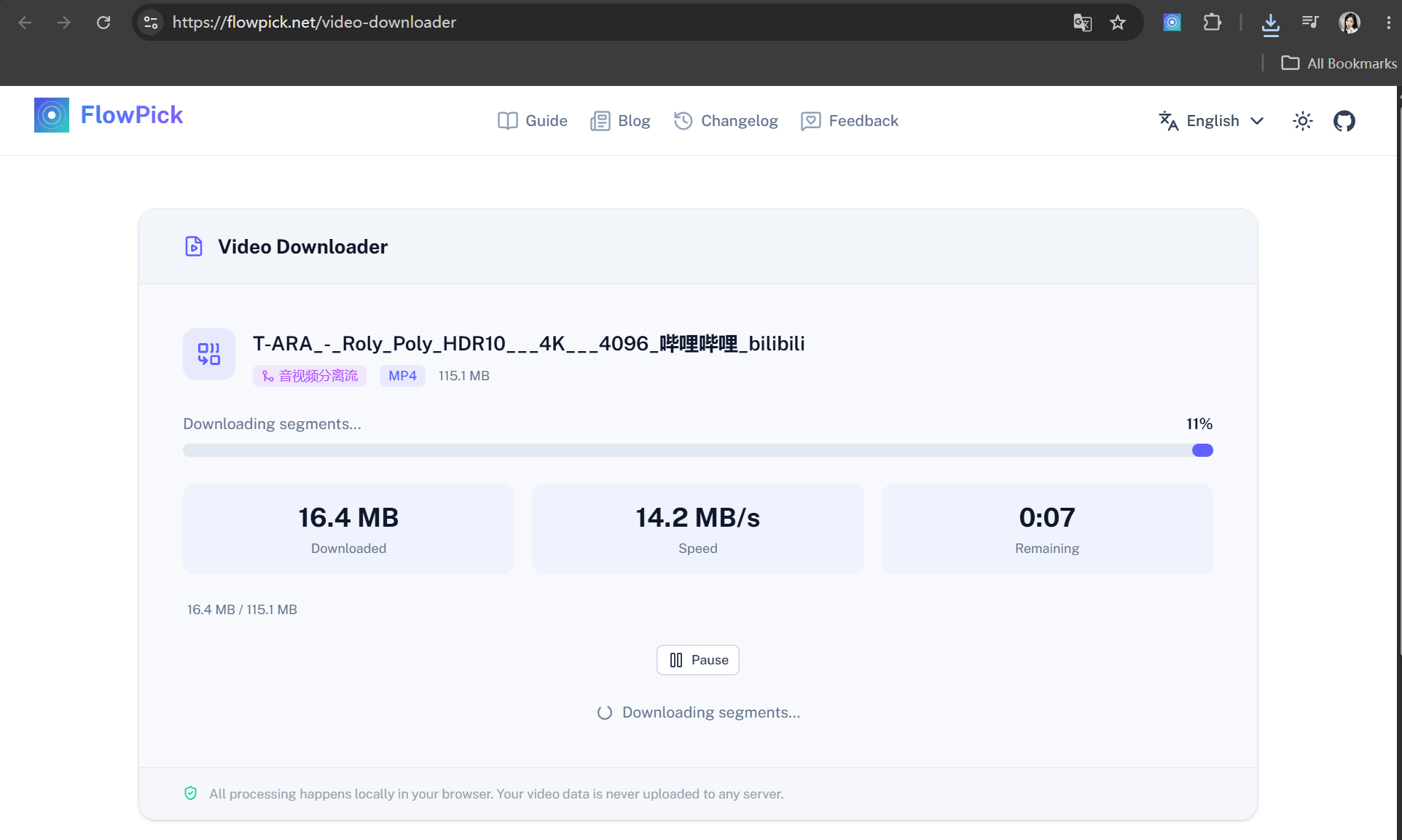
Still failing? Match your case against the symptoms below. For how to pick files and choose a save directory in the extension, see Usage — Downloading a Single Resource.
Symptom 1: 403 Forbidden
Symptom: The download fails immediately, or opening the URL directly in a browser also returns 403.
Direct video links rarely mean "you really have no permission" — usually the request headers are wrong. Common checks by the origin server:
- Referer check: the request must come from a specific page; empty or unknown Referers are rejected outright.
- Cookie / login state: no login cookie, or the session has expired.
- Temporary token: the URL carries
?token=xxx&expires=yyyand returns 403 once expired. - Region / IP restrictions: the CDN decides based on your egress IP.
Grab the direct link and reproduce it with curl (swap in your own URL):
# Bare request with no headers — see what comes back
curl -s -o /dev/null -w "bare request: %{http_code}\n" "https://cdn.example.com/videos/lesson1.mp4"

# Retry with the page Referer
curl -s -o /dev/null -w "with Referer: %{http_code}\n" \
  -H "Referer: https://www.example.com/course/123" \
  "https://cdn.example.com/videos/lesson1.mp4"
If it works with the Referer attached, it's hotlink protection. Fix it inside the browser extension: the extension runs in the source page context, so Referer and Cookie are attached automatically. Versions after v1.1.1 also ship an anti-hotlink proxy that fills in request headers and validates the response for both preview and download, so an HTML error page won't be saved as a video. Online tools can't do this — they run on their own domain and can't carry the target site's cookies. For upgrading, see Installation — Updating Extensions; for the anti-hotlink proxy details, see FlowPick v1.1.1 Update.
Symptom 2: 404 — URL expired or file deleted
Symptom: It downloaded fine before but 404s today; or a direct link someone shared won't download.
Three common cases:
- Expired signed URL: many cloud storages (Alibaba Cloud OSS, Tencent Cloud COS, etc.) issue direct links with a validity window that lapses in minutes to hours.
- File cleaned up: the uploader deleted the file, or the CDN cache was purged.
- Wrong URL: you copied the watch page URL, not the file's direct link.
Check whether the URL itself is still alive:
curl -sI "https://cdn.example.com/videos/lesson1.mp4" | head -n 8
Look at the status code and Content-Type. If Content-Type is text/html, the URL points to a webpage, not a video. If the URL is genuinely dead there's no way around it — go back to the original video page and detect again to grab a fresh direct link.
Symptom 3: CORS cross-origin blocking
Symptom: An online tool reports a CORS error, or the downloaded file is corrupted.
This is an online tool problem specifically. Online tools run under flowpick.com's own domain, and the browser's same-origin policy blocks cross-origin reads. The extension is different — it runs on extension permissions, isn't subject to the same-origin policy, and sees a wider detection scope. For the differences, see Online Tools — Differences from Extension and Video Sniffing — Detection Differences: Extension vs Online Tool.
The fix is one sentence: don't use the online tool for direct links — use the extension. The extension works inside the video's original page, so Referer, Cookie, and cross-origin issues are all solved at once.
Symptom 4: Empty file or won't play
Symptom: The download "succeeds" but the file is a few KB, or the player can't open it.
Nine times out of ten you picked the wrong target: not the video file, but an HTML page, thumbnail, cover image, or a preview endpoint's response. These responses are tiny and come back with Content-Type of text/html or image/*.
Use curl to see what the URL actually returns:
curl -sI "https://cdn.example.com/cover/lesson1.jpg"
# Check Content-Type and Content-Length
If it points to text/html, it's just a webpage. Go back to the extension, pick an entry whose type is video/* (like video/mp4, video/webm) from the resource list, confirm the preview plays, and only then download. If the filename is garbled or has no extension, append .mp4 manually after downloading.
Symptom 5: Can't pause, can't resume
Symptom: The download starts, but after pausing and resuming it restarts from zero; or there's no pause button at all.
This comes down to whether the server supports HTTP Range. Range lets a client request only part of a file, which is what pause-and-resume relies on. If the server hasn't enabled Range, the browser can only download the whole file, so resuming isn't possible.
Test whether the server supports it:
curl -s -o /dev/null -w "Range request: %{http_code}\n" \
  -H "Range: bytes=0-1023" \
  "https://cdn.example.com/videos/lesson1.mp4"
# 206 = Range supported, resumable
# 200 = full file returned, Range not supported
206 means supported; 200 (the whole file) means not. It still downloads fine either way — you just can't resume, so on an unstable connection it's best to let it finish in one go. This is a server capability, not a tool issue.
Symptom 6: Unsupported format or codec
Symptom: The file downloaded, the size looks right, but the player says "unsupported format" or shows a black screen.
First separate container from codec: .mp4 is a container, and inside it could be H.264 — or H.265/HEVC or AV1. Container support isn't codec support; the player has to decode the codec inside to play it. Common traps:
| Case | Symptom | Fix |
|---|---|---|
| MP4 with H.265/HEVC inside | Old players show a black screen | Convert to H.264 or switch players |
| WebM with AV1 inside | No hardware decode support | Convert to H.264/VP9 |
| Big HD direct link | Browser memory pressure | See the next section |
When detecting and downloading direct links, FlowPick reads the codec info. If the codec really is the problem, use Format Conversion — Output Format Selection Guide to convert to a more compatible H.264 MP4. To find out what your player actually supports, see Browser Compatibility.
Symptom 7: Large file or browser hang
Symptom: A few hundred MB direct link freezes the page halfway through, or the browser gets noticeably sluggish after the download.
Saving a file in the browser goes through memory. FlowPick prefers the File System Access API (pick a directory, stream straight to disk, no memory cost), and falls back to StreamSaver or Blob when it's unavailable. Blob mode has to load the entire file into memory first, so large files can hang. For the concrete hard limits of Blob mode, see Known Issues — Blob Mode Hard Limit; for the corresponding known bug, see Known Issues — Large File Blob Download May Hang.
What to do:
- Prefer "Choose save directory" — it triggers the File System Access API, so even large files stream to disk.
- On browsers without that button (or on mobile), switch to a lower quality before downloading.
- For genuinely huge files, download that one alone — don't run a pile of downloads at once.
Diagnostics cheat sheet
Open DevTools with F12 and locate the problem with this table:
| What you want to confirm | Panel | How |
|---|---|---|
| What the direct-link request returned | Network | Filter mp4 / webm, check the Status column |
| Whether it actually returned a video | Network | Check whether the response's Content-Type is video/* |
| Whether Referer/Cookie were attached | Network → request → Headers | Check the Request Headers |
| Whether the CDN is throttling you | Network | Check a single request's time and speed |
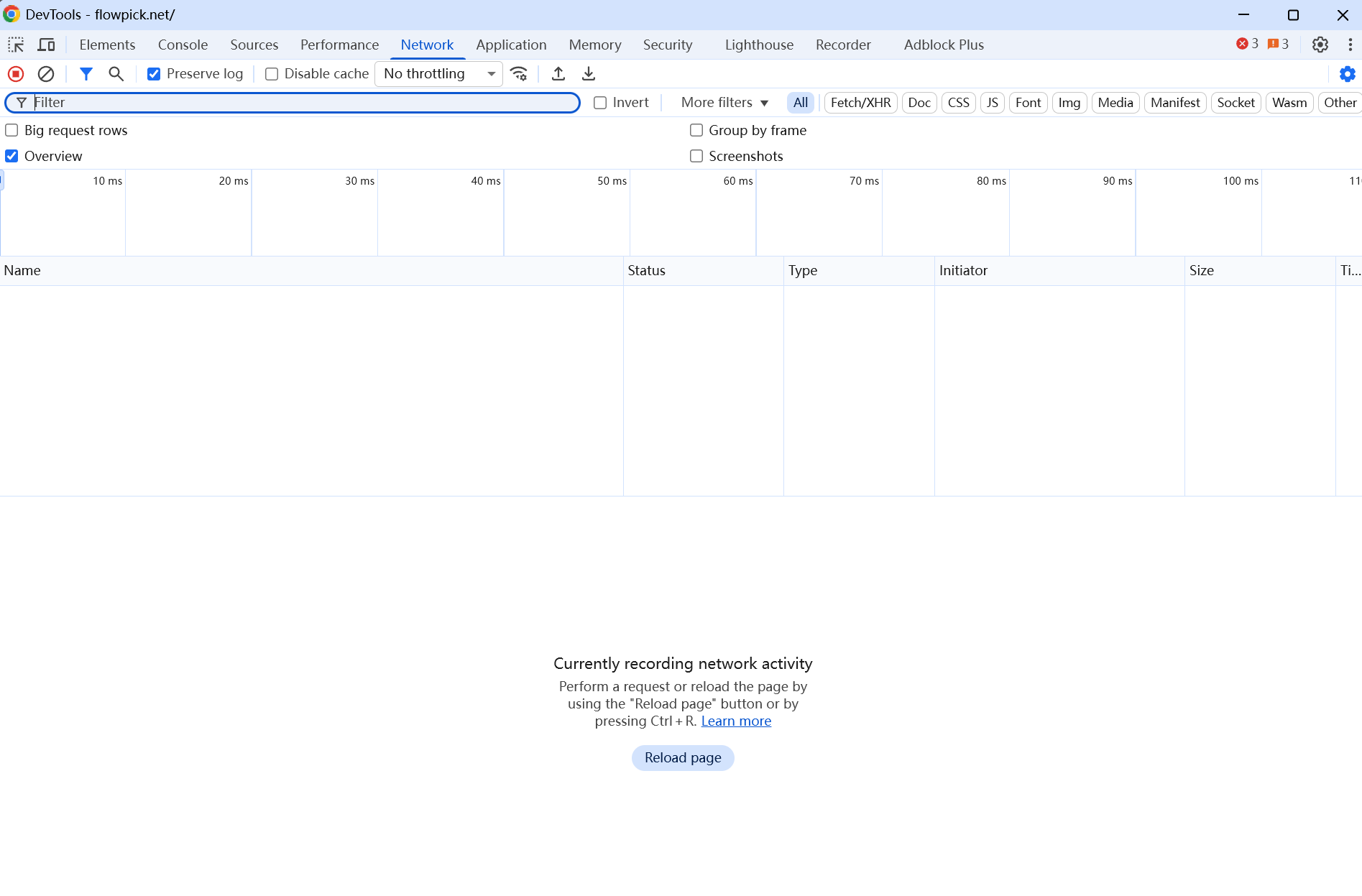
If you suspect a browser environment problem, run this in the Console to generate an environment report and paste it when reporting feedback:
const report = {
  ua: navigator.userAgent,
  fsa: 'showDirectoryPicker' in window,
  sab: typeof SharedArrayBuffer !== 'undefined',
  coi: self.crossOriginIsolated,
  storage: await navigator.storage?.estimate().catch(() => null),
  ts: new Date().toISOString(),
}
console.log(JSON.stringify(report, null, 2))
The report contains only browser environment info — no browsing history or personal data.
When it really can't be downloaded
- DRM protection: content encrypted with Widevine / PlayReady / FairPlay — FlowPick explicitly doesn't support it and doesn't crack it.
- Login or paywall: content whose direct-link URL only exists after logging in or paying.
- Private APIs: video data goes through a proprietary protocol or in-app signing, with no ordinary direct link.
- Permanently dead URLs: the origin has deleted the file.
These are unsupported by design, not bugs. When you hit one, switch approaches: record the screen or contact the content owner for authorization. For the full boundary list, see Known Issues.
Related Documentation
- Video Downloader — online tool, good for direct links without hotlink protection
- Video Sniffing — Direct Video Files — detection principles and format scope
- M3U8 (HLS) Download Failed — segment-stream-specific issues
- DASH Downloaded But No Audio — MPD separate audio/video tracks
- Format Conversion — transcode when the codec isn't supported
- Known Issues — Blob hard limits, CORS, and other boundaries
- Common Issues — cross-scenario diagnosis