
How to Pull One Answer Out of a Two-Hour Podcast
Tools used, in order
What you end up with: An eight-minute audio clip and its transcript, instead of a two-hour one.
Someone said something useful on a podcast. You remember roughly where — first third, after the second ad break. You need the exact wording for a citation, a note, or a reply.
The obvious move is to transcribe the whole episode and search the text. That works, and it is the slowest possible path. This guide is about the faster one.
Why transcribing everything is the wrong default
Recognition cost is proportional to duration. Two hours of audio takes roughly four times as long as thirty minutes and produces a file that is ninety percent irrelevant to what you need.
Podcasts also have a structure that helps you cut first: ad breaks, self-promotion, and repeated recaps. Those are the parts you would skip anyway.
The workflow that follows is: find the passage by listening at speed, cut it out, then transcribe eight minutes instead of two hours.
Step 1: Get the audio file
Find the audio source. On most podcast sites it is a direct link to an MP3 or M4A, and the easiest way to confirm is the Network panel filtered for media, or looking at the page source for an <audio> element or an enclosure URL in the feed.
Paste the link into the audio downloader. It accepts direct links to MP3, M4A/AAC, WAV, OGG and FLAC.
If the podcast is delivered as an HLS audio playlist rather than a direct file — increasingly common for platform-hosted shows — use the M3U8 downloader instead, and see the course archiving guide for how to read the playlist first.
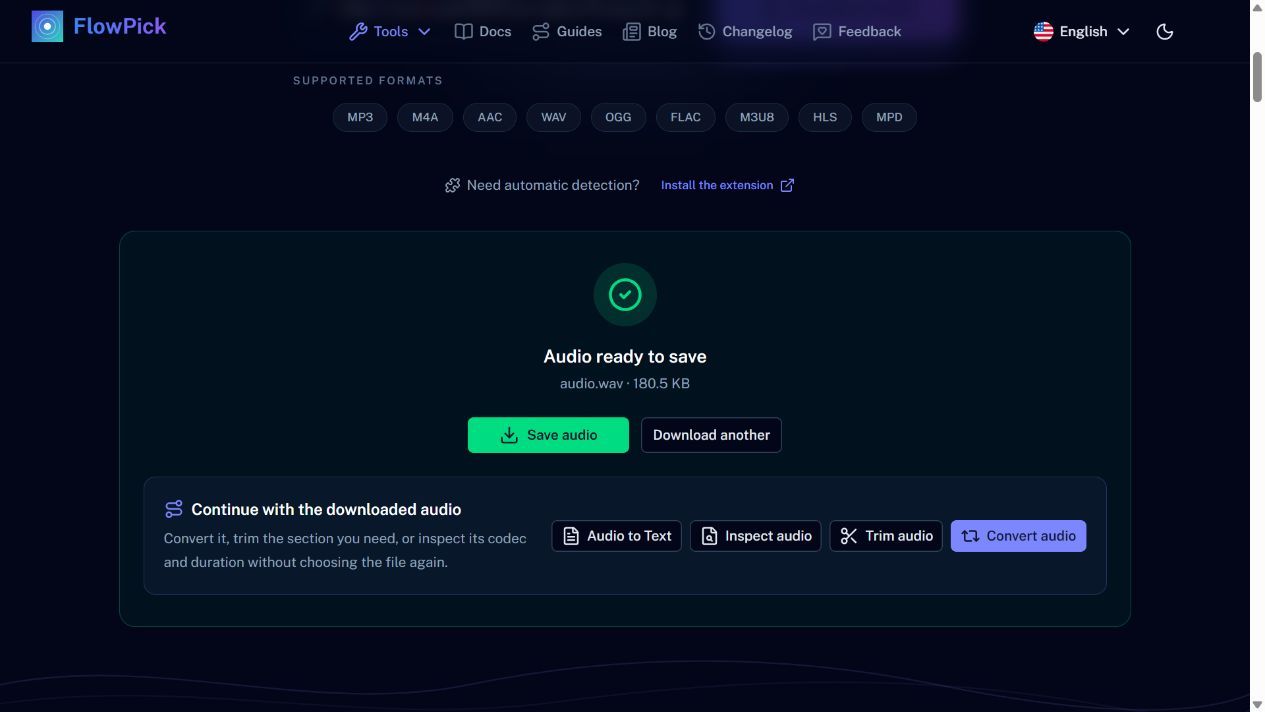
Local public URL for the generated speech sample, fetched without the extension. This result panel shows size and format; use Inspect audio to check duration.
One confirmation worth making before you invest time: check that the file's duration matches the episode. A 12-minute file for a two-hour episode means you got a trailer or a preview clip, not the episode.
Step 2: Find the passage, then cut it
This is the step people skip, and it is the one that saves the most time.
Open the downloaded file in the audio trimmer. Play at 1.5x or 2x if the tool allows it, or scrub with the waveform, and note the in and out points. Aim for a window of two to ten minutes that contains the whole argument — not just the sentence you want.
Cutting a little wide is deliberate. A transcript of three sentences tells you nothing about what was being answered, and you will end up going back to the audio anyway.
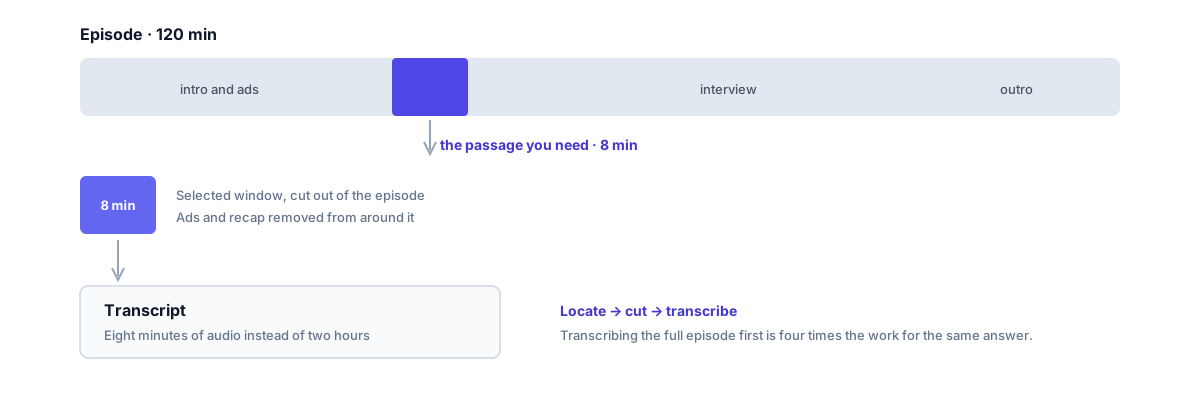
Locate first, cut second, transcribe third. The order is what makes this take minutes instead of an hour.
While you are here, cut the ad reads out of the surrounding material. They carry no information and they are the part recognition handles worst, because music and jingles sit under the voice.
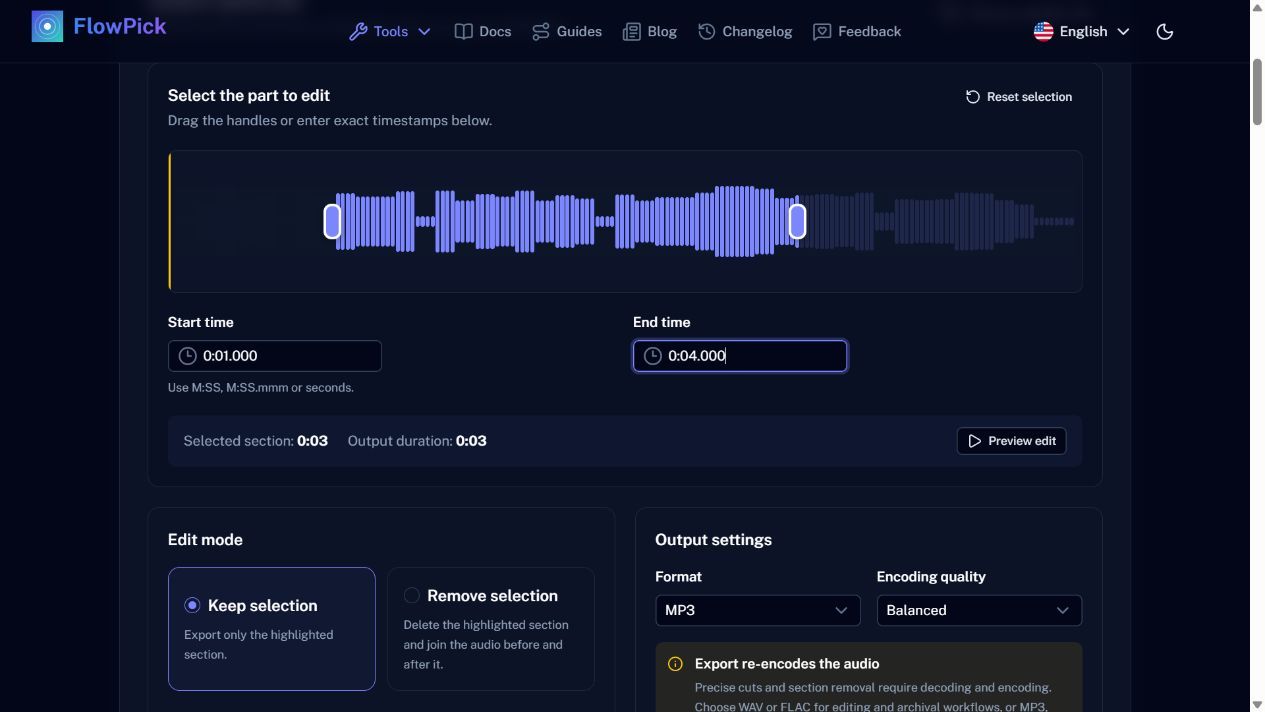
Interface example using generated speech, not a podcast recording. Select the eight-minute passage in your own episode using the same start and end controls.
Step 3: Transcribe the clip
Send the clip to Audio to Text. Podcast audio is usually the easiest material this tool sees: one or two speakers, decent microphones, a consistent language.
Set the spoken language explicitly rather than relying on auto-detection. Detection samples the opening seconds, and a clip that starts mid-sentence has less to work with than a full episode would.
Choose the standard model if the passage contains names, numbers or technical terms — which, for a quotable passage, it usually does. The lightweight model is fine for confirming "yes, this is the part I meant".
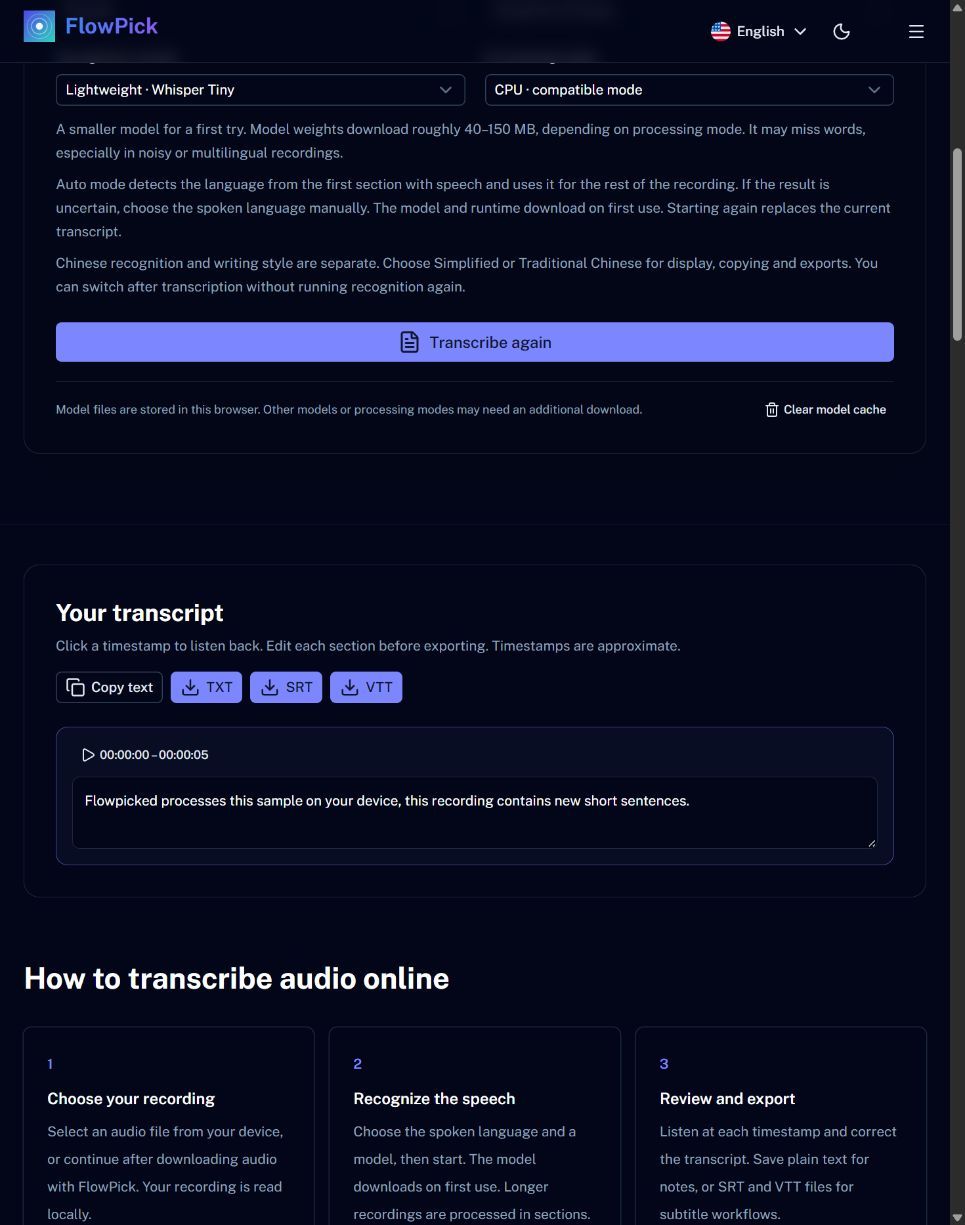
Actual local transcription of the generated English speech sample using Whisper Tiny on CPU. This demonstrates the interface, not recognition quality on a podcast.
Step 4: Check the quote before you use it
Recognition gets the gist and misses the details that matter in a quotation. Before you attribute a sentence to someone:
- Verify proper nouns by listening again at that timestamp
- Check numbers — "fifteen" and "fifty" are a known weak point
- Confirm who said it. This version does not identify speakers, so in a two-person interview you have to map lines to people yourself
- Keep the timestamp in your notes. If the claim is ever disputed, the timestamp in the episode is your evidence
Transcript timestamps are relative to the clip you cut, not to the original episode. Add the offset from step 2 if you are citing a time in the full recording.
Where this goes wrong
The download link 403s. Podcast CDNs sign URLs, and the token in a copied link expires. Reload the episode page and copy a fresh link.
The clip starts mid-word. The transcription begins with a fragment, and the model may misread it. Trim two seconds earlier than you think you need.
The transcript has the right words in the wrong order. Long pauses and crosstalk confuse segmentation. For a short clip this is usually fixable by hand in a few seconds.
The episode is behind a login. This workflow assumes the audio is publicly accessible. It is not a paywall workaround, and the tools do not attempt to be one.
What you end up with
An eight-minute clip and its transcript, both timestamped, plus a note of the offset into the original episode. The clip is also reusable if you need to check the audio again later, which a bare transcript is not.